
Lab and imaging software for diagnostic centers and hospital labs
Requests that arrive complete, tubes identified by barcode, results straight from the analyser, and a log that proves the critical value was called. Imaging runs from the worklist to a signed report in the referring clinician’s chart.

The problems we hear from labs and diagnostic centers
Request forms with no name and no clinical details
A paper request without the requesting doctor’s name or a working diagnosis is a phone call, a delay, or a test run blind.
Samples without requests, requests without samples
When the tube and the form travel separately, they arrive separately — and the specimen is rejected or the result goes to the wrong patient.
Results re-typed from the analyser printout
Every value copied by hand is a value that can be copied wrong, and an hour the bench does not have.
Critical values phoned with no record
The lab called. Did anyone answer, read it back, act on it? Without a log, the lab carries the blame either way.
Corrections that overwrite the original
A corrected result that replaces the first one leaves no trail of what the clinician saw, and when.
Imaging reports that never reach the chart
The scan is done, the report is typed — and the referring doctor is still waiting for a paper copy.
What you get on day one
Requests that arrive complete
Clinicians order from the consulting room from your catalogue and order sets, with STAT, urgent or routine priority — no paper form to lose or misread.
Scan the tube, not the handwriting
Barcoded specimen labels and scan-to-receive put the right sample against the right request, and the day’s work on one worksheet.
Results without re-typing
Analysers that speak ASTM or HL7 send results straight in; values land as preliminary for the technologist to verify and release.
Proof the lab called
A critical-value call log with read-back and clinician acknowledgement, and corrected results that keep the original.
What the draft diagnostic-center standard asks for
The Ethiopian Healthcare Accreditation Program published a draft diagnostic-center standard (ES 7193:2025) for standalone labs and imaging centers. Several of its requirements are things the lab module records as a matter of course. The standard is still a draft, so check the final text — but these are the records an assessor will ask to see.

- Specimens labelled with at least two identifiers — barcoded labels carry the patient and the request.
- Specimens tracked through processing — scan-to-receive and the worksheet show where each one is.
- Critical results communicated immediately — the call log records who was called, when, and the read-back.
- Amended reports managed — corrected results are tracked and the original is kept.
- Quality control — internal QC runs judged by Westgard rules.
Imaging, from worklist to signed report
Study types are priced services, so ordering, billing and consent work the same way as the lab. The modality worklist carries accession numbers; each study goes scan → report → verify, and the signed impression returns to the referring clinician’s chart.
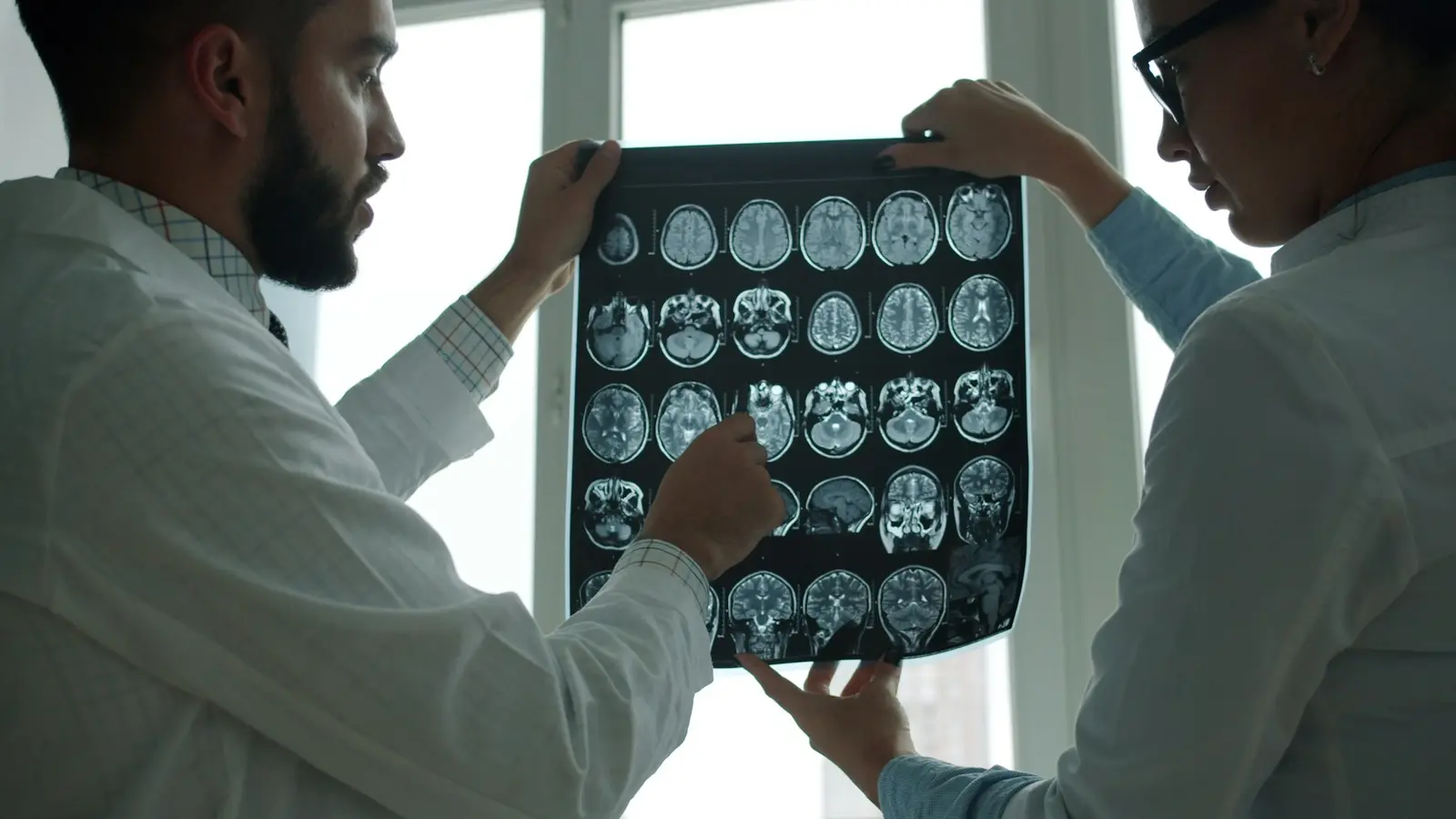
- Accession numbers and a modality worklist
- Pre-procedure checklist
- Signed report returned to the chart
- Connects to an Orthanc PACS
The modules labs and diagnostic centers use
Every facility gets the core. Add-ons are switched on only where you need them.
Laboratory
Ordering from the room, a worksheet for the bench, and results that keep their corrections.
- Lab test catalogue with order sets and STAT / urgent / routine priority
- Lab worksheet — technicians see their day's work in one list
- Barcoded specimen labels and scan-to-receive
- Results straight from analysers (ASTM and HL7)
Radiology & Imaging
A modality worklist that runs scan, report and verify, and lands the impression in the chart.
- Imaging study catalogue tied to priced services
- Accession numbers and a modality worklist
- Pre-procedure checklist
- Scan → report → verify, with the signed impression returned to the chart
Billing & Payments
One balance per visit, however many counters and bills it passed through.
- Invoicing and payment recording
- One consolidated balance per visit, even when several bills are raised
- Separate pharmacy and clinical cash counters, each seeing only its own money
- Point-of-sale register with barcode scan, product grid, and running ticket
Inventory & Stock
Purchasing, receiving and consumption in one ledger, so the screen matches the shelf.
- Products, categories, variants, suppliers
- Buy by the box, sell by the piece
- Purchase orders, goods receipts and supplier returns
- Batches and expiry, issued earliest-expiry first
Data Exchange
Records that can leave the building in a standard shape when the patient or the system needs them to.
- FHIR R4 read access to patients, encounters, observations, results and prescriptions
- Clinical documents in and out as CDA
- E-prescriptions an outside pharmacy can verify
- Client registry with Fayda national ID
Patient Portal
Patients read their own bills, visits, results and medicines — only what the facility switches on.
- Sign-in by phone number and one-time SMS code
- Bills, visits, verified results and medicines, each switchable per facility
- Pay a bill from the phone, including by sending proof of a bank transfer
- Invoices and receipts sent as PDFs in Telegram
Reports & Analytics
Clinical, financial and operational reporting — for one site or every branch side by side.
- Financial, clinical, operational, and queue reports
- Lab, pharmacy, inpatient, imaging, referral and consult reports
- Morbidity reporting (conditions by age band and sex)
- Every branch side by side over the same period
One specimen, start to finish
- 01
Order
The clinician orders from the catalogue or an order set, with a priority — or a referring facility sends the request.
- 02
Collect and label
A barcoded label goes on the tube at collection, tied to the patient and the request.
- 03
Receive
The bench scans the tube in; the worksheet shows the day’s work, STAT first.
- 04
Run
The analyser sends results in, or the technologist enters them; values land as preliminary.
- 05
Verify and release
A critical value is called, read back and acknowledged; the result is released, and any later correction keeps the original.
- 06
Report
The result is in the requesting clinician’s chart — and, if you switch it on, in the patient’s portal.
What labs and diagnostic centers ask us
Do you print barcoded specimen labels?
Yes. Barcoded labels with scan-to-receive at the bench.
Can results come straight from our analysers?
Yes, from analysers that send results over ASTM or HL7. If an analyser has no interface, results are entered on the worksheet instead.
How are critical values handled?
Through a critical-value call log with read-back and acknowledgement by the clinician.
Can we correct a released result?
Yes. Preliminary, final and corrected results are kept; corrections are tracked and the original is never lost.
Do you support internal quality control?
Yes. Internal QC with control lots, judged by Westgard rules.
Can other clinics send us requests and receive results?
Yes. Requests work to and from other facilities, and patients can see verified results in the portal if you switch it on.
Is it a PACS?
No. Imaging runs the worklist and the report, and connects to an Orthanc PACS for the images. Remote reporting (teleradiology) is not part of it.
The research behind this page
EMR in Ethiopia: adoption is not the hard part, use is
Roughly half the Ethiopian health workers who have an EMR in front of them use it. The evidence points squarely at training, manuals and management — not at software features — and the paper baseline being replaced is worse than most comparisons assume.
The workforce math: more graduates, unfilled posts, and an $800m gap
Ethiopia's health labour market analysis projects steadily rising supply of nurses, midwives and doctors through 2030 — and a financing gap large enough that graduates go unemployed while services stay understaffed. When clinician time is the scarcest input, admin minutes are clinical minutes.
Also built for
View allHospitals
Wards, theatre, ED, lab, imaging and the running bill on one record.
PRIMARY & MEDIUM CLINICSClinics
Front desk, charting, lab, pharmacy and billing for primary and medium clinics.
NGO & PROGRAMME SITESNGO & programme sites
ART, TB and SRH registers, cohort reports and outreach on one record, with sensitive charts sealed.
Bring your busiest bench to the demo
Tell us which analysers you run and what your worst day looks like. We will walk one specimen from request to released result with you.